Picture 1 of 12

Stock photo


Picture 1 of 12
Stock photo
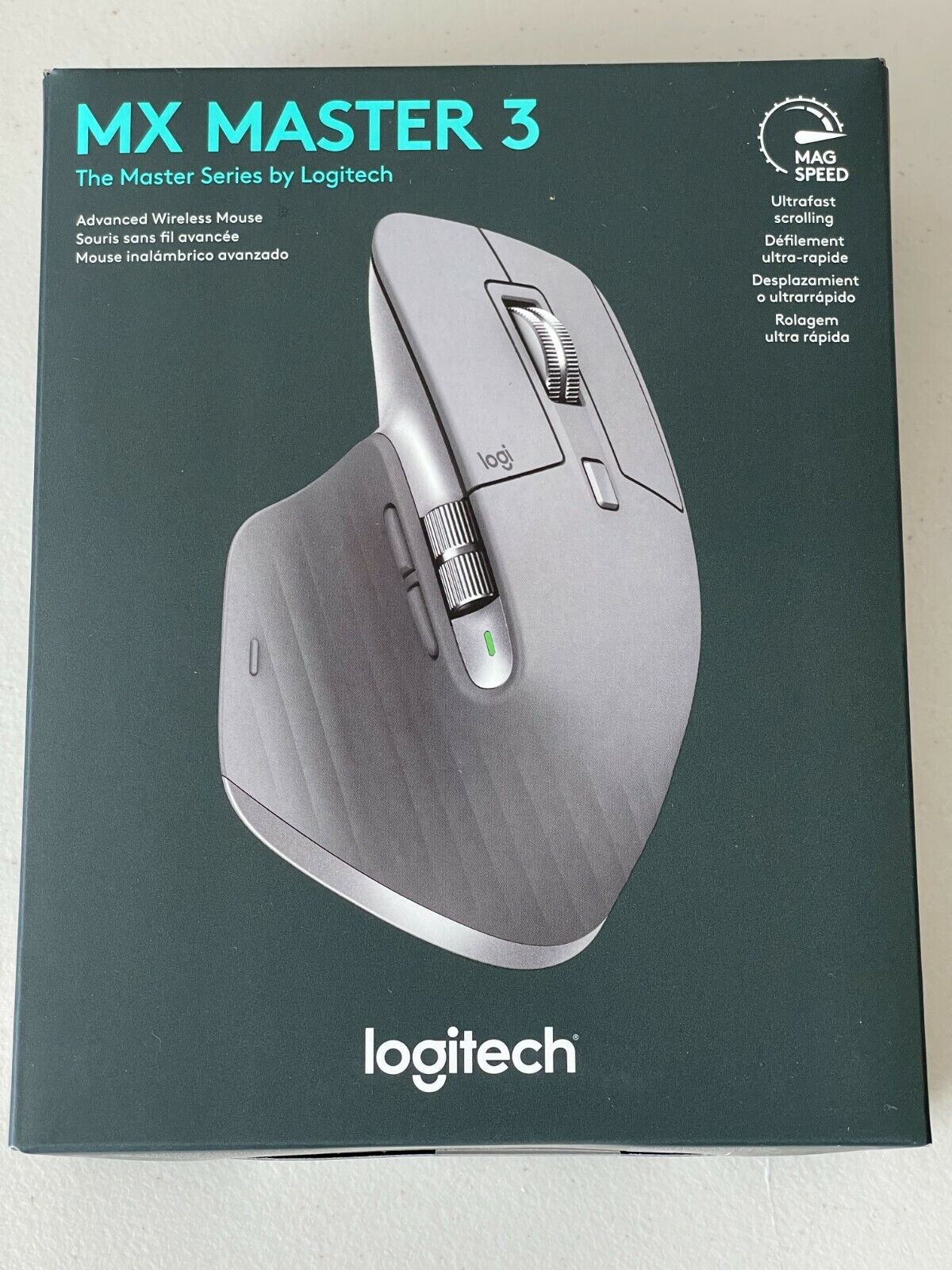

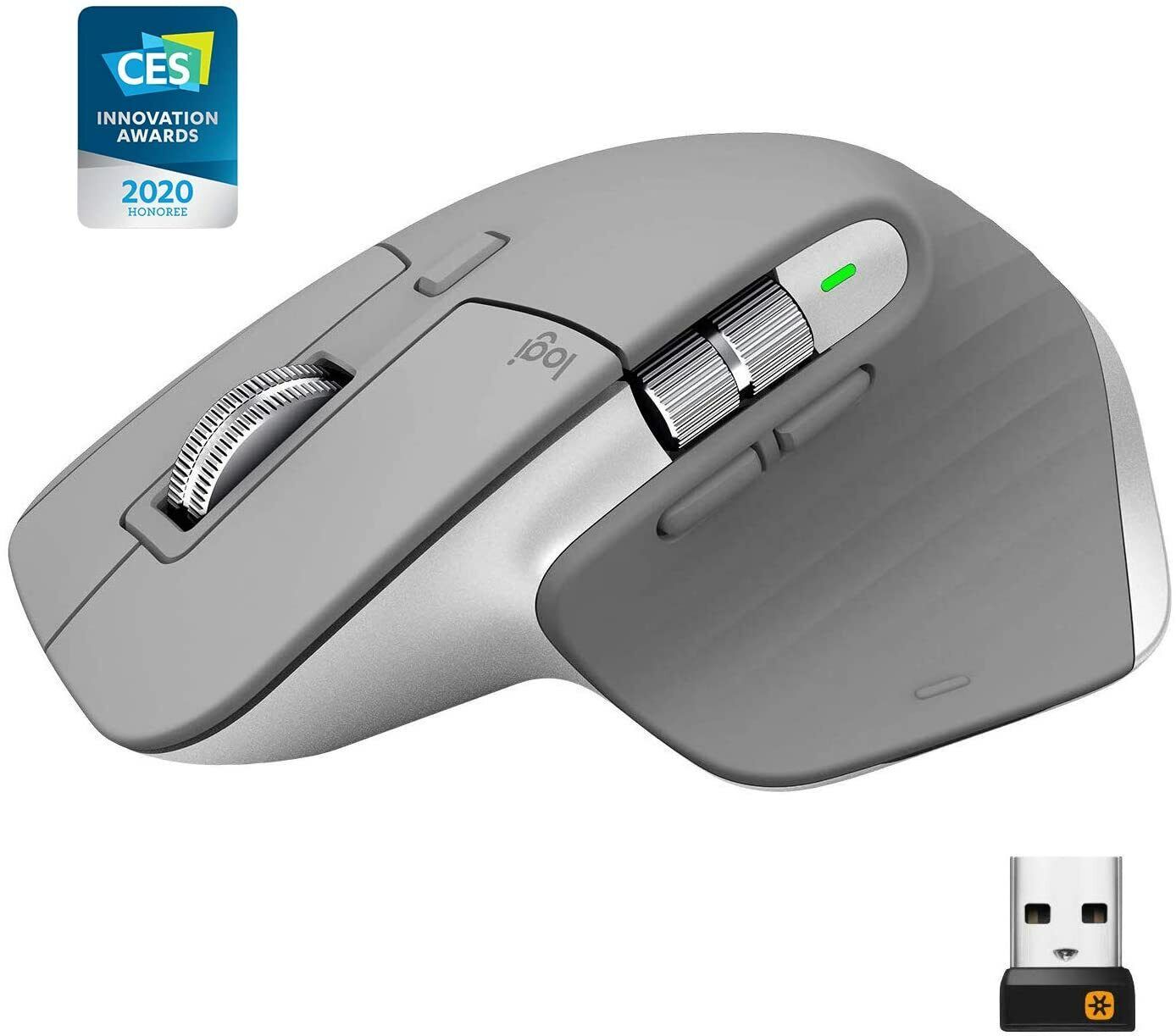


Logitech MX Master 3 Advanced Wireless Mouse - Mid Grey
T
TechStore N More (2347)
98.4% positive feedback
Price:
$224.99
+ $19.99 shipping
Returns:
30 days returns. Buyer pays for return shipping. If you use an eBay shipping label, it will be deducted from your refund amount.
Condition:
Logitech Options and Logitech Flow. Advanced 2.4 GHz wireless technology. Works on any surface even on glass with darkfield 4000 DPI sensor. It is faster and 5x more precise than the basic mouse – so you always hit the right Pixel.
- Buy It NowLogitech MX Master 3 Advanced Wireless Mouse W/ High-Precision Sensor Space Grey
Oops! Looks like we're having trouble connecting to our server.
Refresh your browser window to try again.
About this product
Product Identifiers
BrandLogitech
MPN910005692
GTIN0097855151568
UPC0097855151568
ModelLogitech MX Master 3
eBay Product ID (ePID)12037665177
Product Key Features
ColorGray
Tracking MethodLaser
Number of Buttons7
ConnectivityWireless, Bluetooth, USB, USB-C
Maximum DPI4000
FeaturesScroll Wheel, On/Off Switch, Rechargeable
TypeStandard Mouse
All listings for this product


Ratings and Reviews
Most relevant reviews
- Sep 28, 2021
Solid build, easy setup and customization
Cool mouse! I have had it or a couple of weeks and it has been comfortable to use. The set-up was easy and customizing the buttons through the Logitech Options software was also easy. I still wish it had more buttons like the Logitech G600 but I wanted a wireless option. I have relatively small hands and this mouse is a bit big for me. My fingers only reach a third of the way onto the front buttons, but I don't mind too much. The build quality is robust. Overall, I would recommend it.Verified purchase: YesCondition: Pre-owned
- Mar 27, 2024
Best Mouse for Professional use on a Mac
There probably isn't a better mouse for Mac use for a web/design pro. I have a Magic Trackpad, which is fine, but this far eclipses it from a functional standpoint. The productivity features (custom button assignments) are much easier to use than the gestures.Verified purchase: Yes
- Oct 20, 2022
Great seller Best mouse i've ever owned.
[Seller Part] My Mx master 3 Arrived on time no issues [Product itself review] Honestly i've never have come across a mouse is was as comfortable as this i owned the first mx mouse as long with a Amazon Copy Cat mouse if you care about gaming or spend alot of time on your computer this is what you want not flashy lights or the way these companies make a big deal out of their sensors i had worries over the mouse having an internal battery but found you can replace them very easily logitech saying the battery lasts for 70 day is nothing but marketing mine needed to be charged just about after 2 weeks.Verified purchase: YesCondition: Pre-owned
- May 30, 2024
Excellent Ergonomic Mouse!
Best mouse I've ever used. Ergonomically correct, blue tooth connectable or wired, very adjustable controls at your fingertips. Seamless installation on my iMac. I just got to the point with my magic mouse that i couldn't stand it any longer. I went back to a very old Logitech mouse that I had and that was good for a while and then went on a search for a new mouse. When I found this mouse I immediately said this is the one, it checked all the boxes I had and more. This is an excellent mouse!Verified purchase: Yes
- Apr 21, 2022
Fantastic mouse
This is by far the best mouse for all use cases excepto maybe for gaming if you are a bit exigent, but other than gaming this is a great mouse fantastic exclusive features wirh logitech options+ softwareVerified purchase: YesCondition: Pre-owned
- Dec 22, 2021
Awesome mouse that is a worthy update to the MX Master line
Really great mouse. The magnetic scroll is amazing - even better than the MX Master 2. I love the USB C charging port. The button customization is great for AutoCAD. Office, and Adobe projects, also making the thumb roller extremely useful. The one down side for me is that I use my index finger to operate the left mouse key AND the scroll wheel. They recontoured the right edge of the mouse so that if you use the mouse this way, here is very little room for you last two fingers and it is a little cramped. I have kind of switched to using my middle finger to scroll and my 4th finger to right mouse button. So, if you have a MX Master 1 or 2 it may be a surprise. The reason I upgraded was because we will soon be returning to the office in a hybrid (3 days at office/2 days home) and I will need an additional one for home use. I don't know if it's worth upgrading from a MX Master 2 to a 3 but overall it is an awesome mouse.Verified purchase: YesCondition: New
- Apr 06, 2024
Nice stuff
it is big enough to fit my hand, not like other small and cheap mice. It is of good quality, and the Bluetooth connection is stable.Verified purchase: Yes
- Oct 14, 2022
Best mouse I've ever used.
It's very high quality and high precision mouse. Sits perfectly in hand.Verified purchase: YesCondition: New
- Dec 20, 2021
Best pointing device for Mac ever
This is an amazing mouse. I didn't think I would ever like a pointing device more than the Apple Trackpad but the MX Master 3 has it beat by a mile. Super comfortable with fantastic configurability.Verified purchase: YesCondition: Pre-owned
- Mar 23, 2025
The mouse is in excellent condition. It'...
The mouse is in excellent condition. It's very comfortable and works great with both Windows and Mac.Verified purchase: YesCondition: Pre-owned